 ShotJar
Find the screenshot you just took on your Mac
The screenshot preview disappearing doesn't mean you lost the file. Check the folder your Mac saves screenshots to.
Check where your Mac saves screenshots
Press Shift-Command-5, open Options and check the selected save location. Under Save to, the item with the checkmark is where new screenshots go. That is the Desktop unless someone changed it.
Find and preview the newest file
Open that folder in Finder and sort by Date Created to find the newest files. Choose View > Show View Options and pick Date Created in the Sort By menu. In list view you can also click a column heading to sort by it, and click it again to reverse the order.
Select a file and press Space to preview it. Press Space again to close the preview.
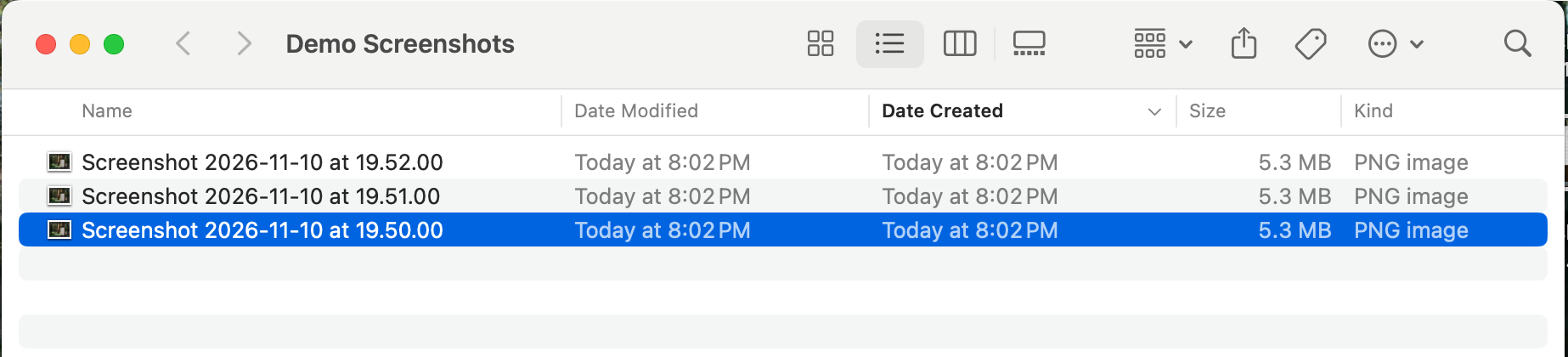
macOS puts the date and time in each screenshot's file name, so the name also tells you which one is newest.
If you copied it to the Clipboard
If you copied the screenshot to the Clipboard instead of saving a file, paste it into the app where you need it. There may be no file to find in Finder.
That happens when you hold Control along with the screenshot shortcut, or when you Control-click the corner preview and choose Save to Clipboard.
Source: Apple, checked 10 Nov 2026. Take a screenshot on Mac, Take screenshots or screen recordings on Mac, Sort and arrange items in the Finder on Mac and View and edit files with Quick Look on Mac.
Where ShotJar fits
I built ShotJar for the moment after the corner preview disappears. It keeps recent screenshots from watched folders in a shelf in your Mac's menu bar. Open the shelf and drag a screenshot into your message or document.
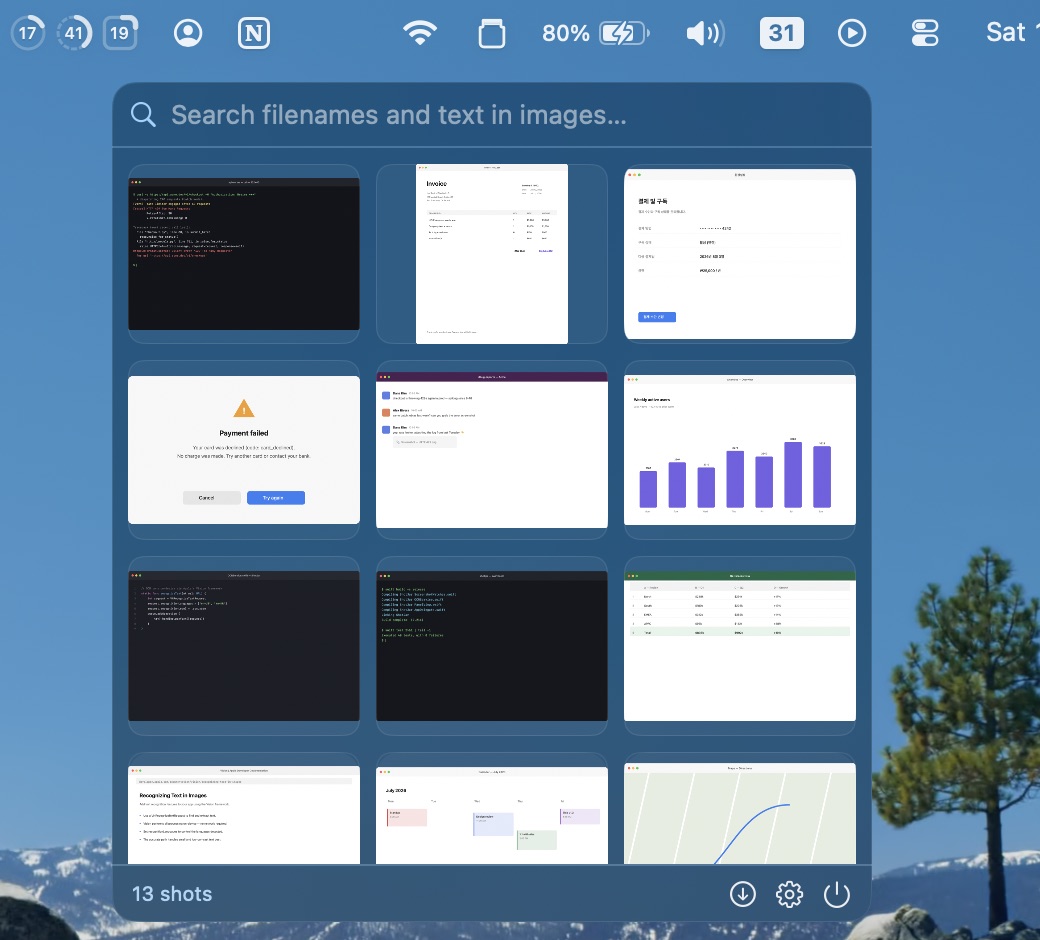
Keep taking screenshots the way you already do, with the macOS shortcuts, CleanShot X or Shottr. ShotJar doesn't take screenshots itself. It watches the folder they save to.
It doesn't recover deleted files, and it doesn't keep screenshots forever. The shelf holds the latest 60 by default, and you can set that from 10 to 200 in Settings. You can also search the shelf by the text inside a screenshot. That search runs on your Mac.
macOS 14 or later·No credit card required
Questions
Where are screenshots saved on a Mac?
On the Desktop, unless the setting was changed. Don't assume. Press Shift-Command-5, open Options and look at the checked item under Save to.
Can ShotJar recover a deleted screenshot?
No. ShotJar is a shelf for recent screenshots from watched folders. It can't bring back a file that was deleted, or one that was never saved.
Do I need a different capture shortcut?
No. Keep your current capture tool. ShotJar watches the folder it saves to.
Related guide
Screenshot thumbnail disappeared on Mac? Here's where to look